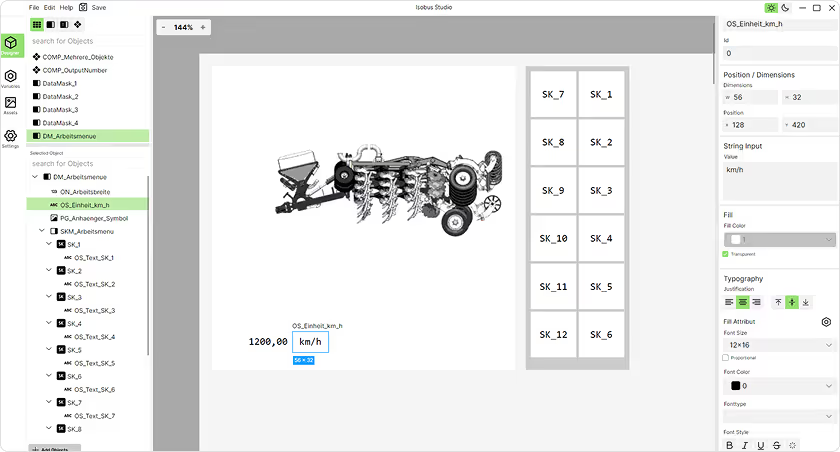
Bit 0 = Transparent: If TRUE, the input field is displayed with a translucent background instead of using the background color attributes.Bit 1 = Auto-wrap: If TRUE, the automatic line break rules apply (see 4.6.19.5) .Bit 2 = Wrap on Hyphae: If TRUE, the automatic line break can be applied between a hyphae (2D¹) and the following character (see 4.6.19.5). The Hyphen Break is a Modification of the Auto-Wrap Option and is only used if the Auto-Wrap Option is TRUE. If the auto-wrap option is false, this setting is ignored.
*** Translated with www.deep.com/Translator (free version) ***
Dieses Objekt wird verwendet, um eine Zeichenkette vom Bediener einzugeben. Es ermöglicht die Eingabe von Text, der dann für die weitere Verarbeitung genutzt werden kann.
Objektpools erstellen – so einfach wie nie zuvor
Mit einer intuitiven Bedienung, modernem Design und flexiblen Anpassungsmöglichkeiten sparst du Zeit und Aufwand – egal, ob du Einsteiger oder Profi bist.