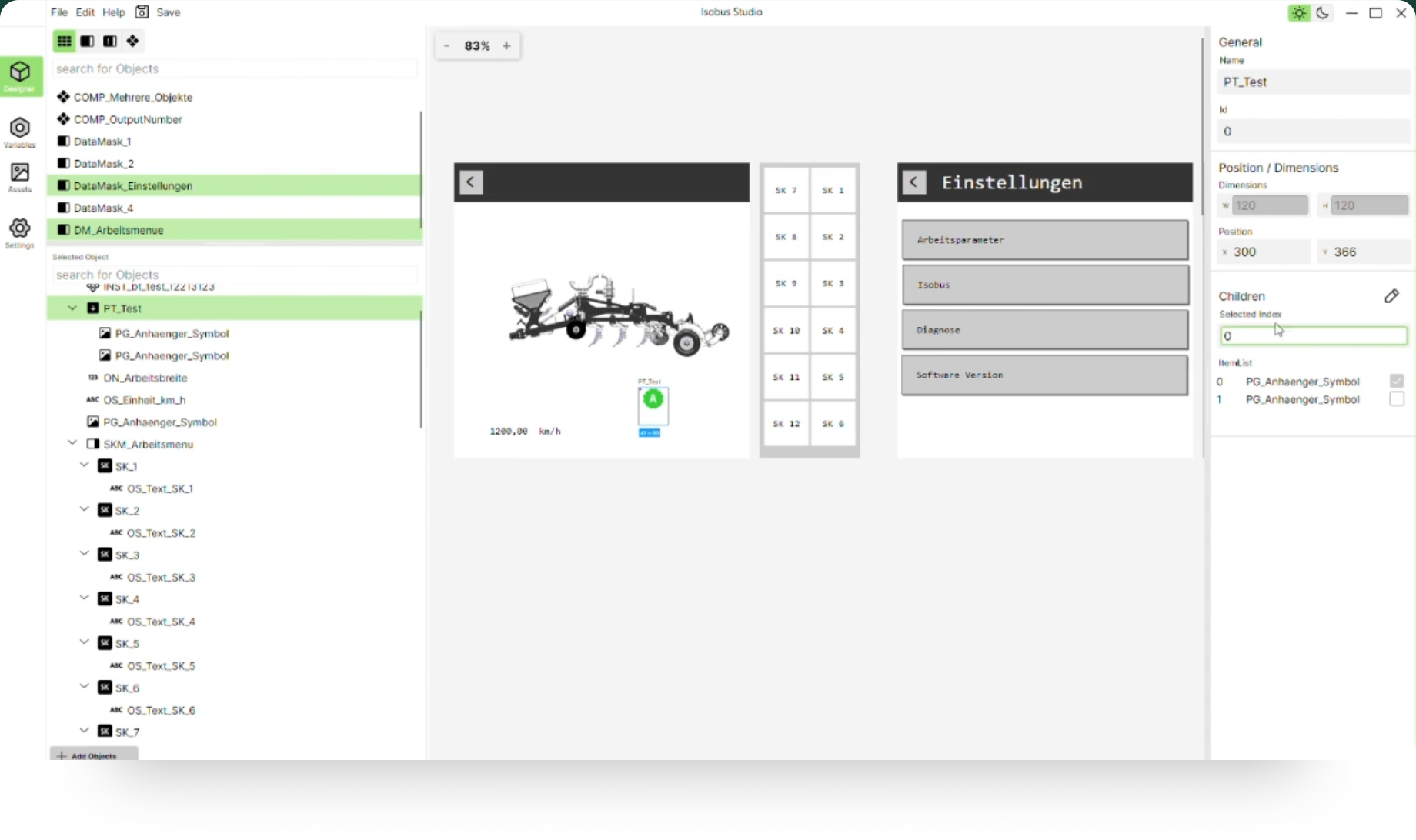
Creating object pools has never been this easy.

Join the beta today!
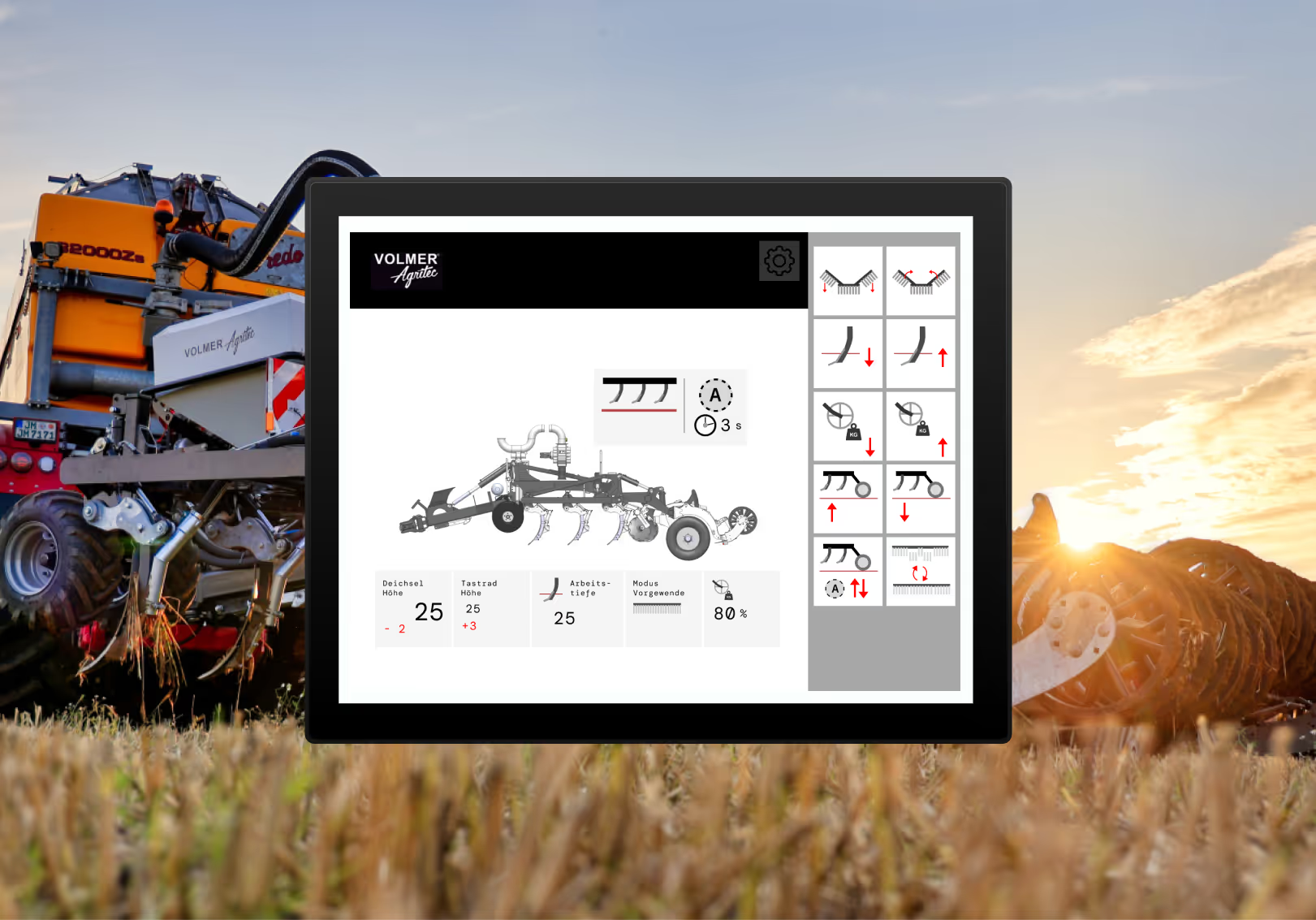
Designing Isobus user interfaces has never been easier.
With intuitive UI, modern design, and flexible customization options, you save both time and effort – whether you’re a beginner or a professional.

Why Isobus Studio sets new standards

Isobus Studio gives you clarity even in complex projects: edit multiple masks simultaneously, use Focus Mode for precision work, and benefit from our unique reference management. As intuitive as a design tool, as efficient as no other.

Parallel mask processing for maximum efficiency

With Isobus Studio, you can display multiple masks at the same time and even work on them in parallel – without constantly switching. This gives you full control on a single design canvas. Whether you want to transfer elements between masks, keep an eye on a split menu or compare two variants directly: All of this is easily possible in Isobus Studio. No other tool on the market currently offers you this flexibility.
Arbeite an mehreren Masken gleichzeitig

One canvas. Endless possibilities.

With the free design canvas, you can move as intuitively as in modern design tools: zoom, pan, arrange masks. Everything is possible, without any restrictions. You navigate freely across the canvas, view and edit multiple data masks at the same time, copy, compare and test elements. All of this in a single, well-arranged work area. This feature brings the usual convenience of professional design software to the Isobus world – exclusively with Isobus Studio.

Stay focused – even with complex masks

When data masks get complicated, Focus Mode provides clarity. Edit individual containers, ObjectPointers, or InputLists in isolation – free of distractions. Focus on details and switch back to the overall view at any time.
ISOBUS Studio Focus Mode
ISOBUS Studio ObjektPointer mit Referenzliste

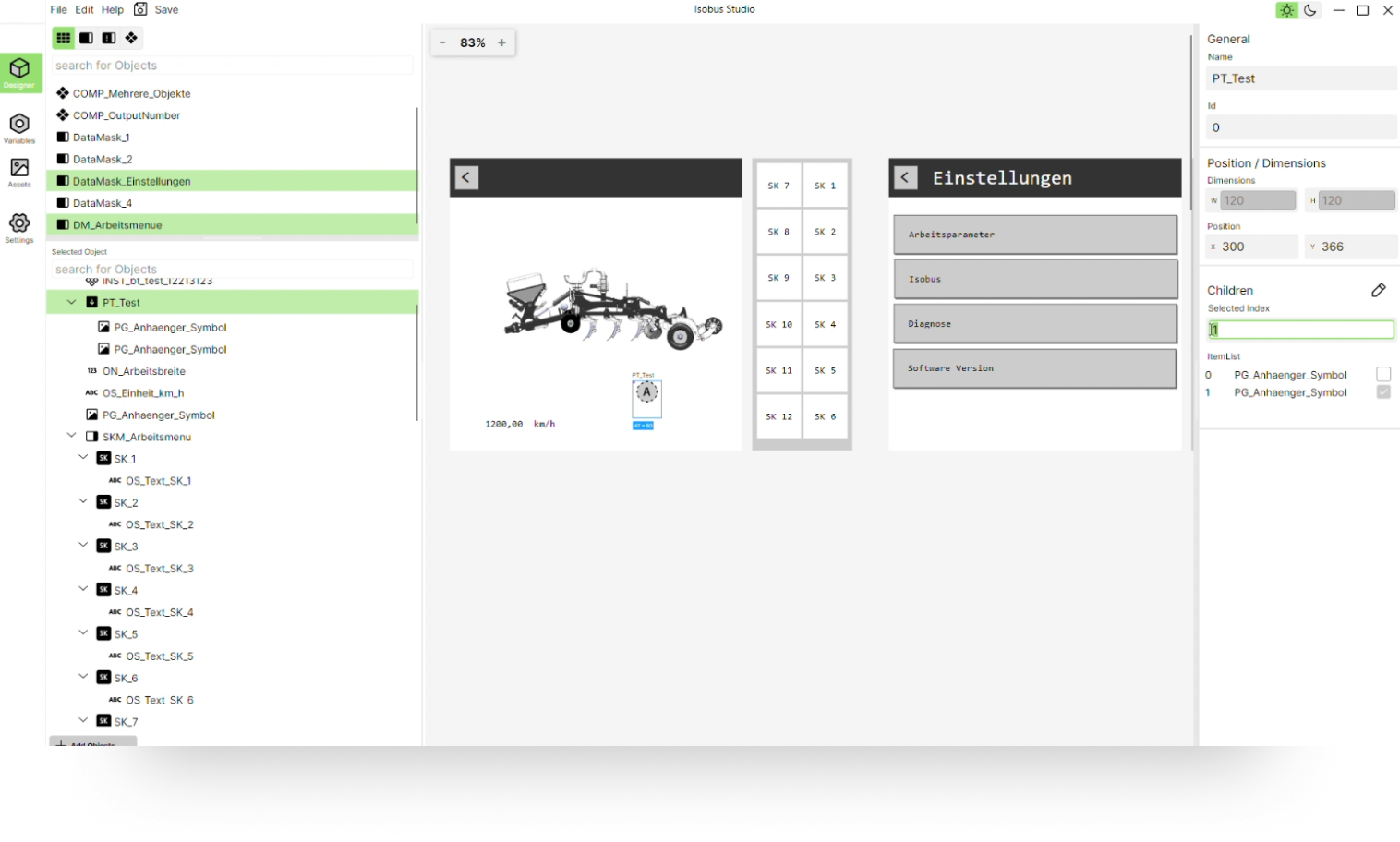
ObjectPointer with reference list – no more Excel chaos

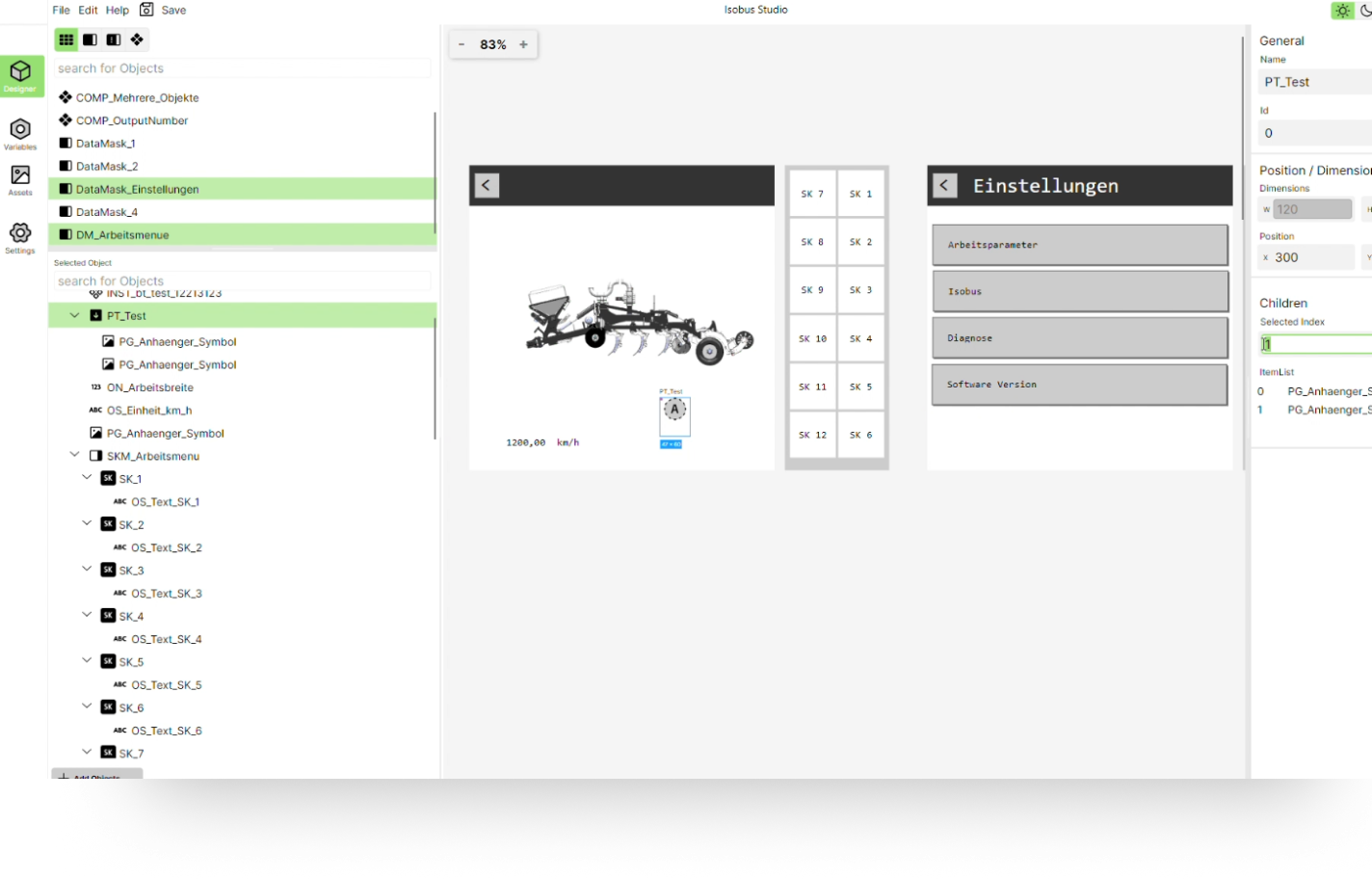
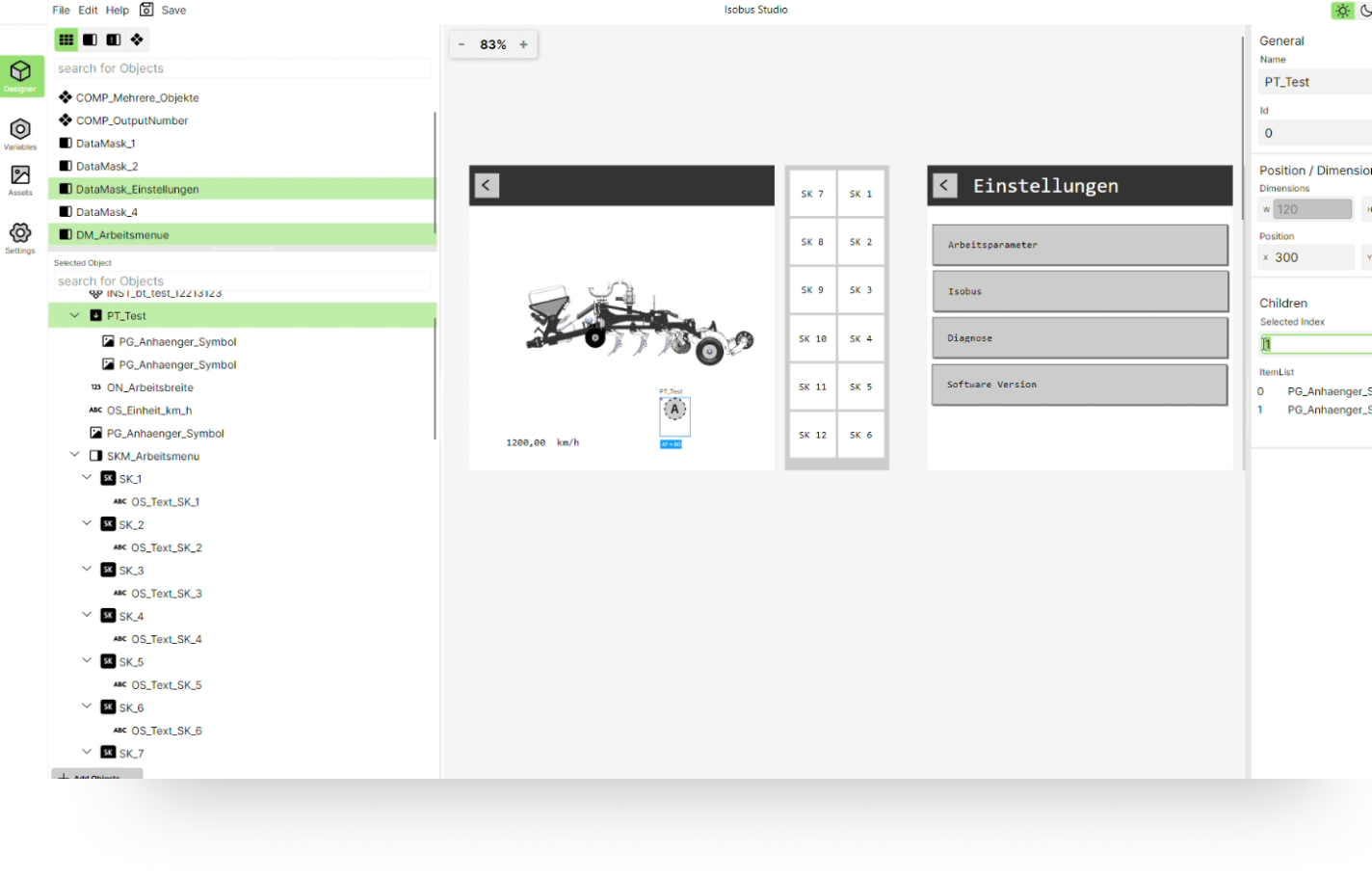
No other tool offers this type of reference management. With conventional tools, an ObjectPointer can only be assigned a single element, which often leads to problems in practice. Additional states must then be documented externally, for example in Excel. Our solution is much more elegant: You can store a complete list of objects. When exporting the .iop file, only the currently active reference is adopted automatically – fully compliant with standards. All states are visible, documented and immediately comprehensible in the tool. And thanks to an integrated viewer license, Isobus Studio also serves as a documentation and handover tool for developers. No additional files are required, there is no need for double work.

More features that make your work easier.

Faster Formatting – No Extra Attributes

Define text size, color, lines, and areas directly on the object – without separate font, fill, or line attributes. Streamlined, especially for smaller projects.

Language Management made easy

Manage multilingual content efficiently with an optimized UI – featuring an overview structure, per-text language assignment, and convenient export/import for translation agencies. Perfect for international projects.

Centralized Graphics Management

Centralize your graphics management: control machine graphics, symbols, and icons in one place, and reference them via a PictureGraphic object. Swap an asset once and it's automatically updated everywhere. Efficient, consistent, time-saving.

Beta login

Sign up for the Isobus Studio beta without obligation. We'll keep you up to date with the latest developments and let you know when we release the beta release.
Mit der Anmeldung zum Newsletter akzeptierst du dieDatenschutzbestimmungen.
Wir haben deine Anmeldung erhalten. Du musst noch deine E-Mail-Adresse bestätigen und anschließend melden wir uns, sobald ISOBUS-Studio in die Beta startet.
Da ist etwas schief gegangen :( Versuche es erneut, oder schreibe uns eine mail an tobias.tenberg@to-the-future.de

Beta Sign Up

Join the Isobus Studio beta – no obligation. Stay updated with the latest developments and be the first to know when the beta launches.
By signing up you agree to ourData protection regulations.
Wir haben deine Anmeldung erhalten. Du musst noch deine E-Mail-Adresse bestätigen und anschließend melden wir uns, sobald ISOBUS-Studio in die Beta startet.
Da ist etwas schief gegangen :( Versuche es erneut, oder schreibe uns eine mail an tobias.tenberg@to-the-future.de

FAQ: Häufig gestellte Fragen

Was unterscheidet to the future von anderen Anbietern im Bereich UX/UI Design?
Unsere Agentur verfügt über tiefgehendes technisches Know-how in der Landtechnik sowie über umfassende Erfahrung in moderner UI/UX-Entwicklung. Dadurch verstehen wir nicht nur die branchenspezifischen Herausforderungen, sondern liefern auch maßgeschneiderte, technisch realisierbare und benutzerfreundliche Lösungen.
Wie gewährleisten wir die Benutzerfreundlichkeit der entwickelten ISOBUS-Oberflächen?
Wir sind Ihr kompetenter Ansprechpartner, wenn es darum geht, herauszufinden, welche Bedienmöglichkeiten im Isobus bei der Maschinensteuerung realisierbar sind. Mit über 12 Jahren Erfahrung in diesem Bereich verfügen wir über tiefgehendes Know-how und ein umfassendes Verständnis der technischen Möglichkeiten. Besonders spannend sind dabei beispielsweise die Integration von AUX-Funktionen, die weit über die reine Tasterfunktion hinausgehen können, sowie die Umsetzung eines Tag-/Nacht-Modus. Zudem unterstützen wir bei Übersetzungen in mehrere Sprachen und optimieren das Handling der maximal anzuzeigenden Softkeys auf verschiedensten Terminals. So helfen wir Ihnen, die vielfältigen Potenziale im Isobus umfassend zu nutzen.
Kann ich mit euren Interfaces zusätzliche Funktionen zu meinen Maschinen hinzufügen?
Durch regelmäßige Usability-Tests und enge Einbindung von Endanwendern in den Entwicklungsprozess stellen wir sicher, dass die Bedienung intuitiv und an die spezifischen Anforderungen der Landtechnik angepasst ist. So erreichen wir eine hohe Akzeptanz und effiziente Nutzung.
Wie sparen wir uns langwierige Einarbeitungen, wenn Designer nicht alle Details der Landtechnik kennen?
Unser Team bringt das nötige Fachwissen direkt ins Projekt. Dadurch entfallen lange Einarbeitungszeiten – Sie bekommen von Anfang an Experten, die wissen, worauf es ankommt, und die Sprache der Landtechnik sprechen. Wir bringen Designer ins Boot, die nicht erst alles lernen müssen – so können Sie sich darauf verlassen, dass Ihre Projekte von Anfang an richtig verstanden und umgesetzt werden.
Portrait von Tobias Tenberg, Geschäftsführer von to the future GmbH
Tobias Tenberg
Founder & CEO
LinkedIn Logo
I have been designing ISOBUS user interfaces and developing object pools for more than 12 years. During this time, I always missed a tool that could make the work more efficient – and more enjoyable.

That’s exactly why I’m building ISOBUS Studio. It’s not just for me, but for everyone who wants a modern, powerful tool to create ISOBUS object pools quickly and easily.

Your feedback matters. The beta is just the beginning – we have plenty of ideas to make the tool even better. Maybe the feature you’re hoping for is the very next one we implement.

I look forward to what’s ahead  and I hope you do too!

‍Kind regards
Tobias Tenberg